Remove background from any photo
Drop a photo, press “Remove background”, and the subject appears on a checkerboard. Download a transparent PNG, or open the cutout in the editor and clean up the edge with a brush.
- One-click AI
- Transparent PNG
- Refine edges by hand
- Sign-in required
- Opens
- JPG
- PNG
- WebP
- GIF
- BMP
- TIFF
How to remove background from a photo
Drop in a photo
Drag an image onto the frame or pick a file. JPG, PNG and WebP work: the picture opens in the browser with a preview.

Press “Remove background”
One button in the frame. The AI service finds the main subject, returns a matte and leaves the cutout on the checkerboard.
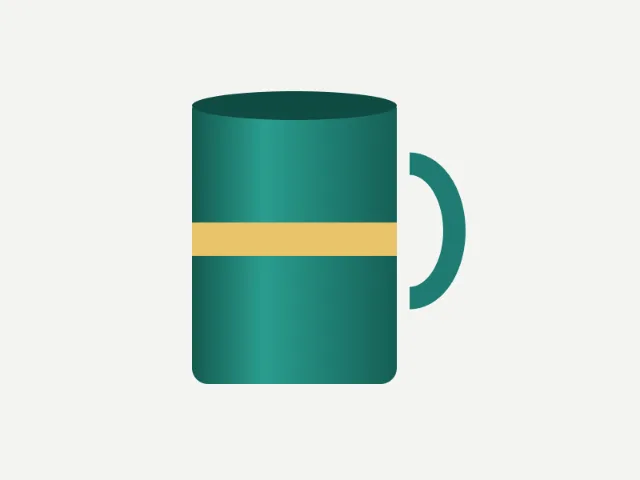
Check the cutout
Look at hair, thin straps and the gap between an arm and the body. If an edge is off, open the result in the editor, where a layer mask, a brush and Refine Edge wait.
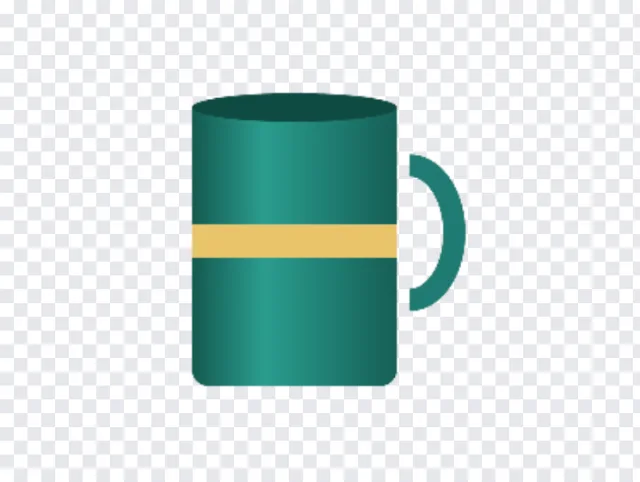
Download or keep editing
“Download PNG” saves the picture with transparency. “Open in editor” carries the subject over as a layer with a mask, so you can swap the backdrop or fix details.
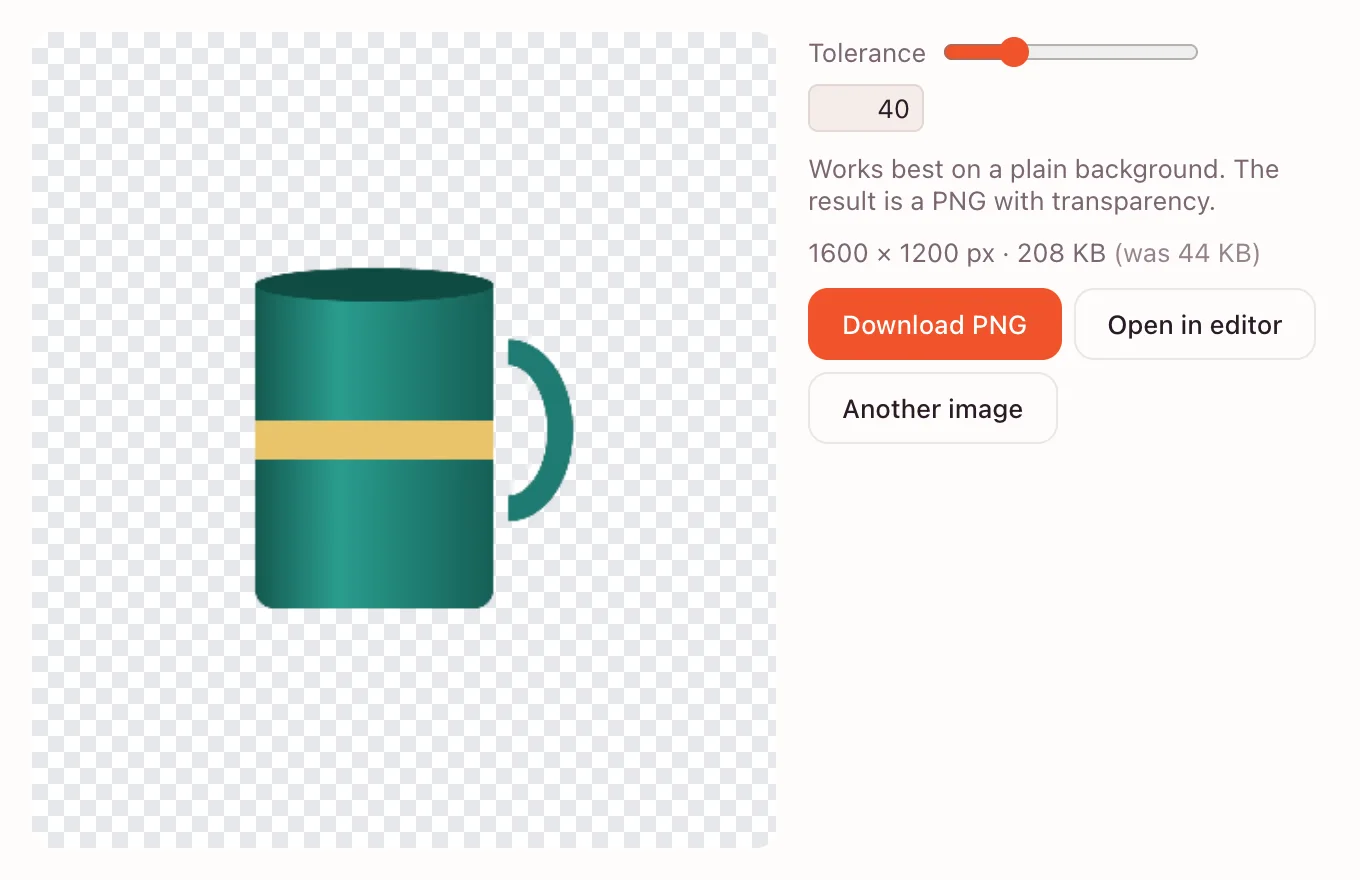
Background remover: before and after
A good cutout depends on what sits behind the subject. Product shots, headshots and logos separate cleanly; a busy street or a plant with hundreds of leaves is harder.
Amazon and Etsy listings
Sellers need the item on pure white. Cut it out, then drop it onto a white layer for the listing.
Shopify storefronts
A transparent cutout lets one product photo sit on a catalog card, a banner or a seasonal background without retouching.
LinkedIn headshots
Replace a cluttered office with a neutral color. The person stays sharp, and the edge around hair is worth checking.
Make a transparent background
PNG and WebP both keep transparency. JPEG does not: transparent areas are filled with white when the file is encoded. For a cutout, save PNG; for a website, WebP is lighter.
| Format | Transparency | Best for |
|---|---|---|
| PNG | Yes | Listings, logos, signatures — lossless and universal |
| WebP | Yes | Web pages that need a smaller file |
| JPEG | No | Ordinary photos; a cutout turns white |
Remove a white or solid-colour background
For a flat backdrop you do not need AI. The same frame has a “Plain background, no AI” button: it clears the background on your device, and a tolerance slider sets how far the colour may drift.
In the editor, choose Layer → Layer from Background first: an opened photo is locked, and Delete would otherwise fill the selection with the background colour. Then use the Magic Wand (W) or Select → Color Range and press Delete.
Refine the cutout
The AI result arrives as a layer mask, with the original untouched underneath, so the edge stays adjustable.
- Paint on the mask with a brush: black hides what should go, white brings detail back.
- Select → Refine Edge smooths hair, fur and soft, semi-transparent borders.
- Quick Selection and the Magnetic Lasso rebuild a mask from scratch when the subject is unusual.
Replace the background
Add a layer below the subject and fill it with a colour, or place another picture with File → Place. A Layer Style drop shadow grounds it.
For a soft studio look, blur a copy of the original and put it under the cutout; for a listing, a flat white is enough.
Pricing and account
AI background removal is paid. It runs through the edition's AI service and is charged to that storefront's balance at its rates. Sign in with the AI service connected.
The manual route costs nothing, and there is no batch mode — one image at a time.
Is it private?
For AI removal the photo is sent to the AI service; a complex background cannot be separated otherwise. Do not upload images you are not allowed to share externally. The manual, no-AI path runs on your device and the file stays there.
The edition keeps its data under GDPR; save the finished cutout to your device when you are done.
On iPhone and Android
The page works in mobile browsers: pick a photo, tap “Remove background” and save the PNG to Files or Photos; nothing to install.
Questions and answers
Support: [email protected]
How do I remove the background from a picture?
Open the picture above and press “Remove background”. The subject appears on a checkerboard; download the PNG or open it in the editor. AI removal needs a sign-in; the plain-background button works without an account.
Which format keeps a transparent background?
PNG and WebP both keep it. PNG is the safe choice for listings, logos and documents; WebP is smaller for websites. JPEG has no transparency, so a cutout saved as JPEG comes back with a white background.
Why did my transparent background turn white?
Most likely the file was saved as JPEG, which fills transparency with white. Or you deleted on a locked Background layer: choose Layer → Layer from Background first. Save cutouts as PNG or WebP.
Is there a free way to remove a background?
Yes, the manual way. “Plain background, no AI” and the Magic Wand are free and run on your device. AI removal of a complex background is paid: it is charged to the AI storefront balance and requires signing in.
How do I remove a white background from a logo?
A logo on white is the easy case. Load it, press “Plain background, no AI” and raise the tolerance until the white disappears without eating thin strokes. If a pale halo remains, go a step or two further.
Does it work with hair and fine edges?
Usually, but check the result rather than assuming it is perfect. Hair, fur and semi-transparent fabric are the hardest edges. Open the cutout in the editor and refine the mask with a brush or Select → Refine Edge.
Is it safe to upload my photos?
For AI removal the image is sent to the edition's AI service; that is how a complex background is separated. Do not upload anything you cannot share externally. The manual path runs locally and the file never leaves your device.
Related tools
Online photo editor
Edit photos in your browser: layers, masks, brushes, retouching, adjustments, filters and text.
Compress image
Shrink JPG, PNG or WebP files: pick the quality and see the new file size before downloading.
Resize image online
Resize an image online to an exact width and height in pixels, or by 25, 50 or 75%.
Crop image
Crop a photo to the ratio you need: square, 4:3, 16:9 or 9:16 for stories.
Convert to PNG
Turn JPG, WebP, GIF or BMP into lossless PNG.
Blur image
Blur a picture as much as you need: for a background, a cover or to hide details.
Black and white photo
Turn a color photo into black and white with natural tones.
Rotate image
Rotate a photo 90° left or right or 180° and save it.
Convert to WebP
Turn JPG or PNG into modern WebP: smaller files at the same quality, with transparency.
Remove background from any photo
Cut the subject out of a photo with AI and download a transparent PNG.
Open the editor