WebP to JPG: convert images right in your browser
Convert WebP to JPG without installing anything: pick a file, keep the JPG format, adjust quality, and download. The converter also turns PNG into JPG and shows the result size before you save.
- JPG output
- Quality control
- Runs on your device
- No sign-up
- Opens
- JPG
- PNG
- WebP
- GIF
- BMP
- TIFF
How to convert WebP to JPG
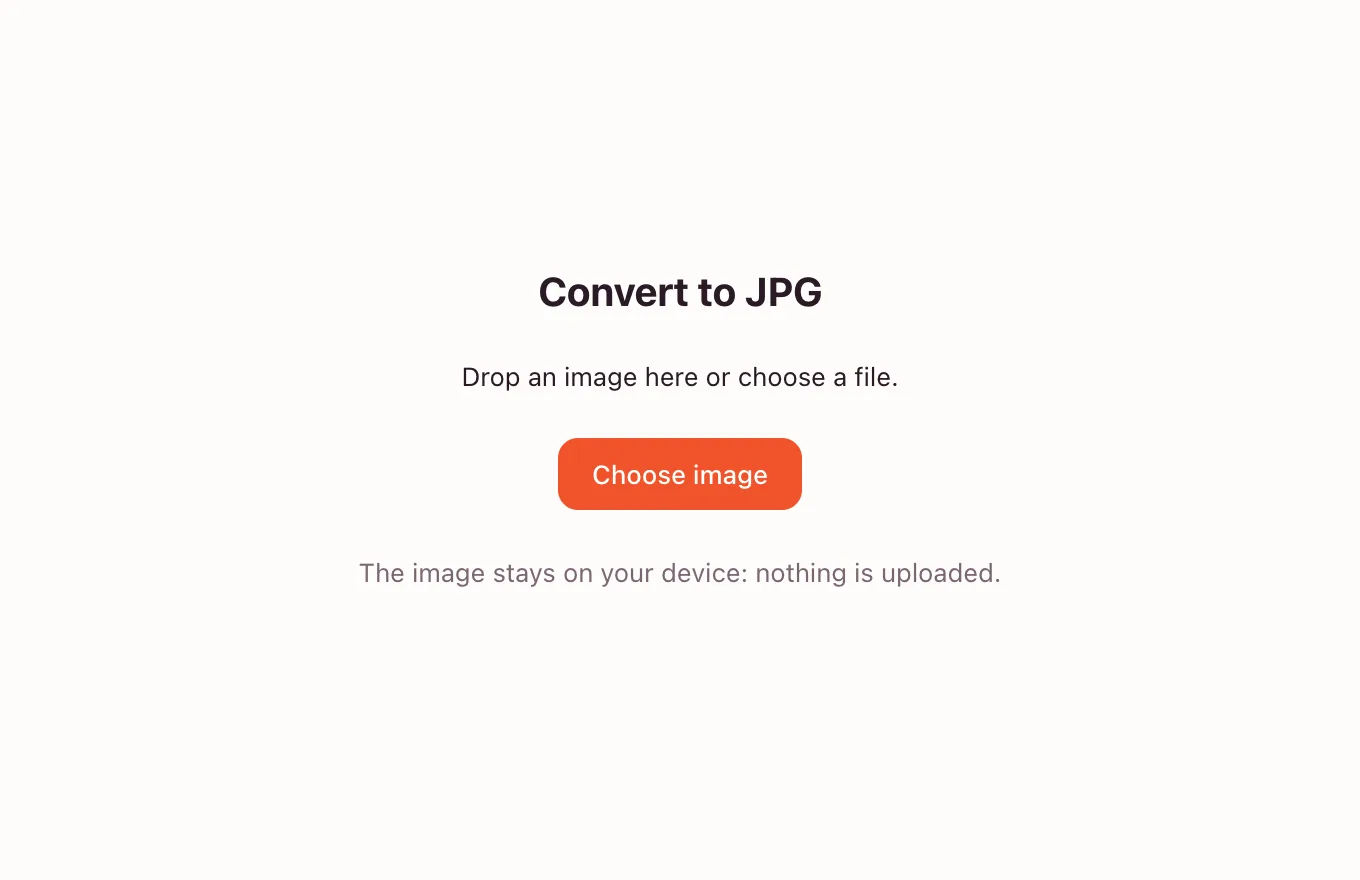
Pick an image
Drop a file onto the frame or press “Choose image”. WebP, PNG, GIF and other readable formats open with a preview; the original stays on your device.
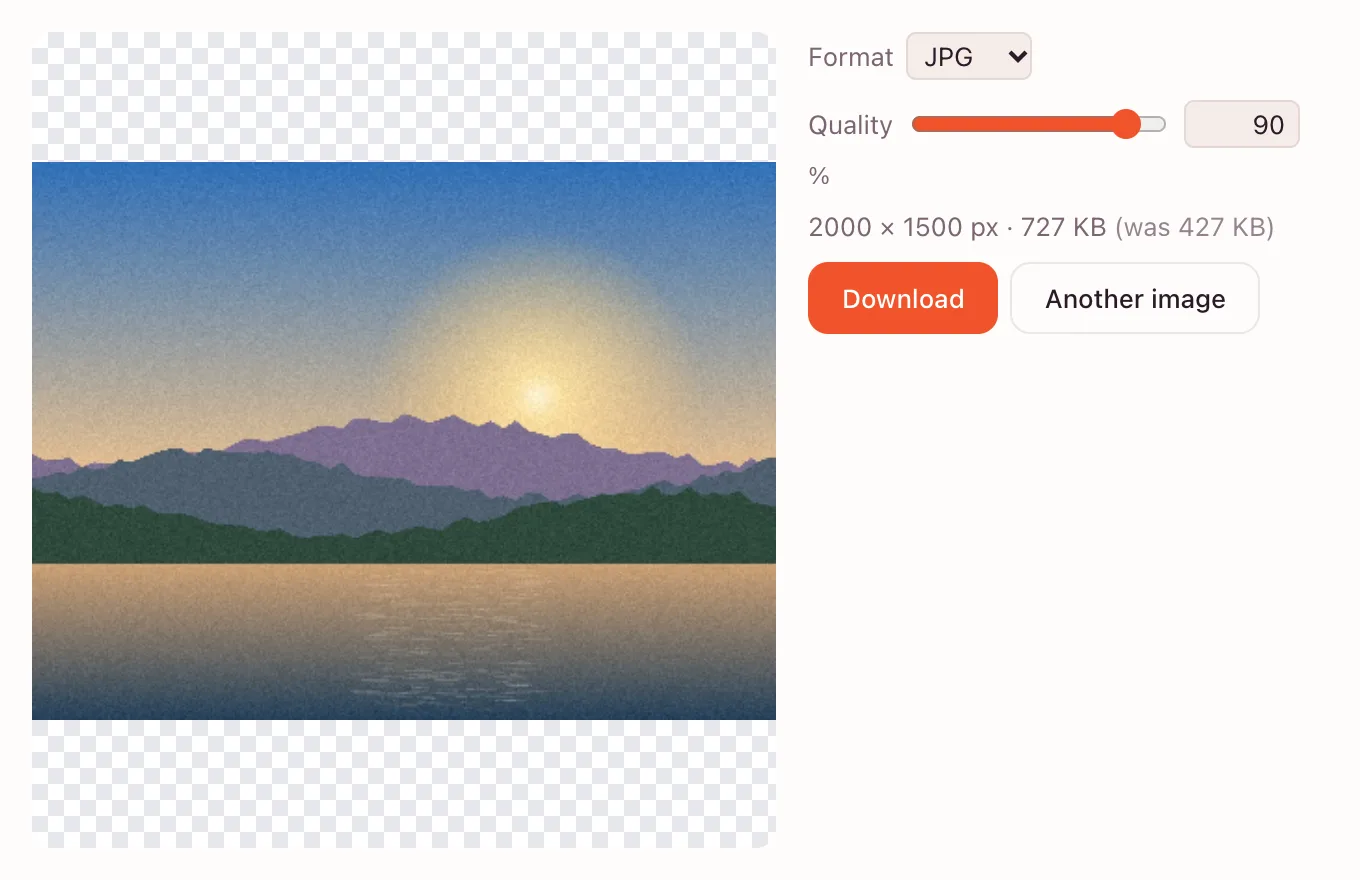
Set the JPG options
The “Format” menu already shows JPG. Move “Quality” to trade size for detail: 100% keeps the most detail, lower values make a lighter file.
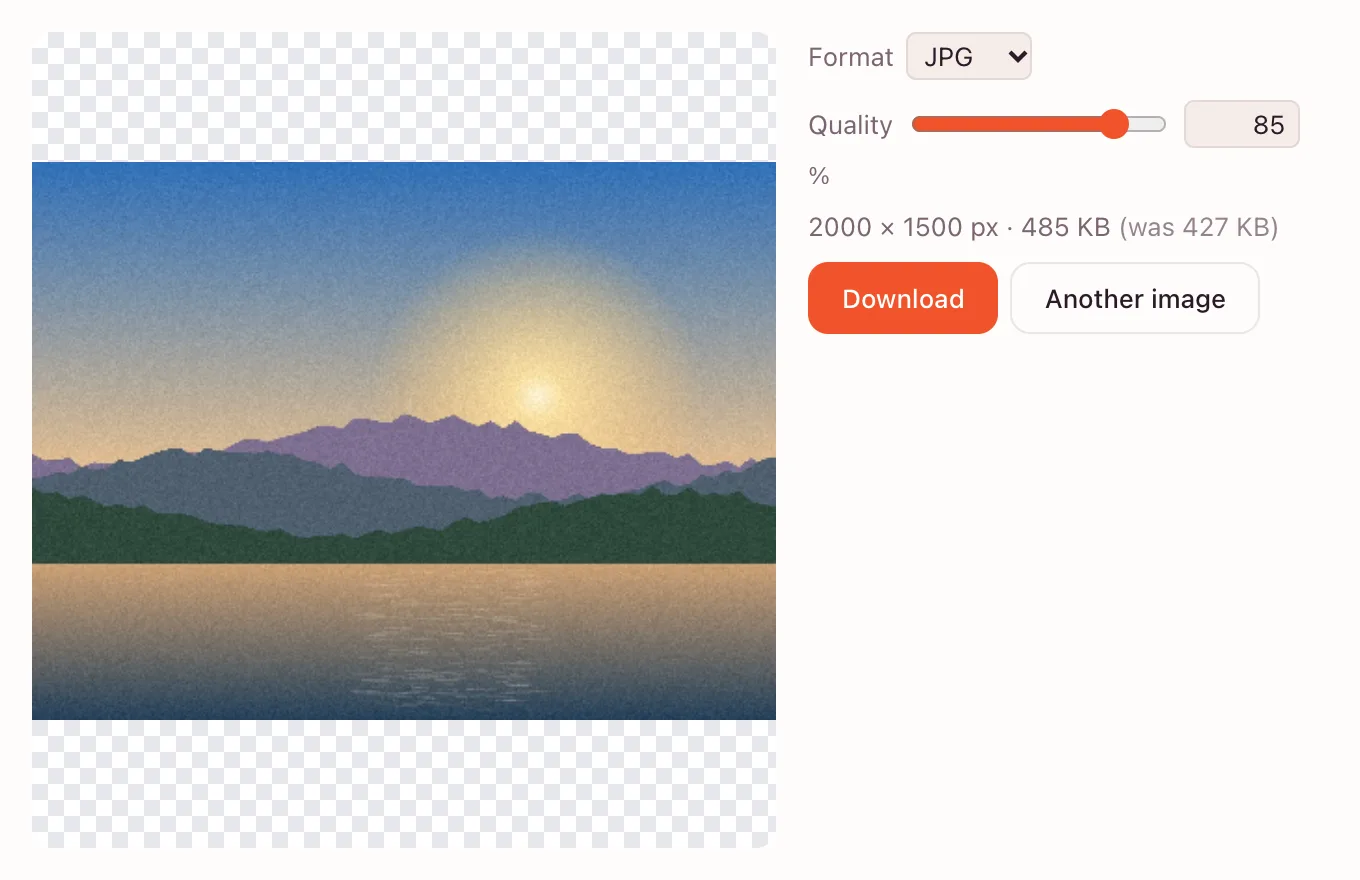
Download the JPG
The frame shows the pixel size and the weight of the result. Press “Download” to save a .jpg with the same base name, or “Another image” to start over.
Why a WebP file may need a JPG copy
WebP is a web format: browsers read it and it can carry transparency, but many upload forms and email clients still expect JPEG. A JPEG copy opens almost anywhere.
The catch is that JPEG has no transparency and uses lossy compression. A photo usually survives well; a transparent logo gets a white box.
PNG to JPG and what happens to transparency
PNG files often carry an alpha channel. JPEG cannot store one, so transparent pixels are painted white during encoding. Check a cut-out product or a signature before sending it.
| Source file | Result in JPG | Good for |
|---|---|---|
| WebP photo | A normal photo | Email, forms, websites |
| PNG with transparency | Transparent areas turn white | Only with a white backdrop |
| PNG without transparency | The same picture, re-encoded | Documents and slides |
Where people use the converter
Amazon and Etsy listings
Some listing tools accept only JPEG. Convert first, then resize to the listing size so the marketplace does not stretch it.
Job and college applications
Portals often ask for a JPEG photo or a scanned document. The converted file keeps the original name.
Slides and reports
A JPEG pasted into a deck opens on any computer. If it is too heavy for email, compress it.
What the quality slider changes
Quality controls how much fine detail JPEG discards. At 100% the file is largest and closest to the source; around 80% most photos look the same on screen. Below 50% smooth areas may show blocky patches.
Formats, privacy and saving
The converter opens PNG, JPEG, WebP, GIF (first frame), BMP, SVG, ICO, AVIF and uncompressed TIFF; output is JPEG, PNG or WebP. The image is processed in the browser and is not uploaded.
- One image at a time; there is no batch mode.
- The longest side is limited to 8192 pixels.
- Cloud saving belongs to the full editor and needs an account.
Questions and answers
Support: [email protected]
How do I convert WebP to JPG?
Open the converter above, drop in the WebP file and check that “Format” says JPG. Adjust quality if you need a smaller file, then press “Download”. The JPG is saved to your device and the original stays unchanged.
Can I convert PNG to JPG here?
Yes. Drop a PNG into the frame, keep JPG as the output and download. PNG transparency does not survive: JPG fills those areas with white. Save as PNG instead if the background must stay transparent.
Does converting reduce quality?
JPG is a lossy format, so some detail is discarded, mostly in fine texture and sharp edges. At high quality settings the difference is hard to see on screen, and the preview lets you compare before downloading.
Can I just rename a WebP file to JPG?
No. Renaming changes only the label, not the data inside. Many programs will still treat it as WebP or fail to open it. The file has to be decoded and encoded again, which is what the converter does.
How do I convert an image to JPG on an iPhone?
Open this page in Safari, tap “Choose image”, pick a photo from your library, then tap “Download” and save the file to Photos or Files. No app is required, and the photo stays on the device.
Is it free? Is there a watermark?
The quick converter is free and adds no watermark. You can start without an account. Signing in is only needed for cloud storage in the full editor, not for converting and downloading a file here.
Is it safe to upload documents?
There is no upload in the quick tool: the image is decoded and re-encoded inside your browser. The file stays on your device. Cloud saving, if you choose it in the editor, needs an account and uses your own storage.
Related tools
Convert to PNG
Turn JPG, WebP, GIF or BMP into lossless PNG.
Convert to WebP
Turn JPG or PNG into modern WebP: smaller files at the same quality, with transparency.
Compress image
Compress an image to JPG, PNG or WebP and compare the new file size before you download.
Resize image
Resize an image to exact pixels or a percentage and download it from your browser.
Crop photo
Crop a photo to the ratio you need and download it without leaving your browser.
Online photo editor
Edit photos in your browser: layers, masks, brushes, retouching, adjustments, filters and text.
Rotate image
Rotate or mirror an image in your browser and download it in a few clicks.
Black and white filter
Convert a colour photo to black and white in the browser, then download it or fine-tune the tones in the editor.
Blur background
Blur a whole photo in one step, or blur only the background in the editor with a selection and a blur filter.
WebP to JPG: convert images right in your browser
Convert a WebP or PNG image to JPG in the browser and download the file to your device.
Open the editor