Crop photo online and crop an image to any ratio
Crop a photo in your browser: pick a file, choose a ratio or resize the frame, then download the result. The picture is processed on your device and nothing is uploaded.
- Ratios from 1:1 to 16:9
- Drag the frame on the photo
- File size before download
- No sign-up
- Opens
- JPG
- PNG
- WebP
- GIF
- BMP
- TIFF
How to crop a photo
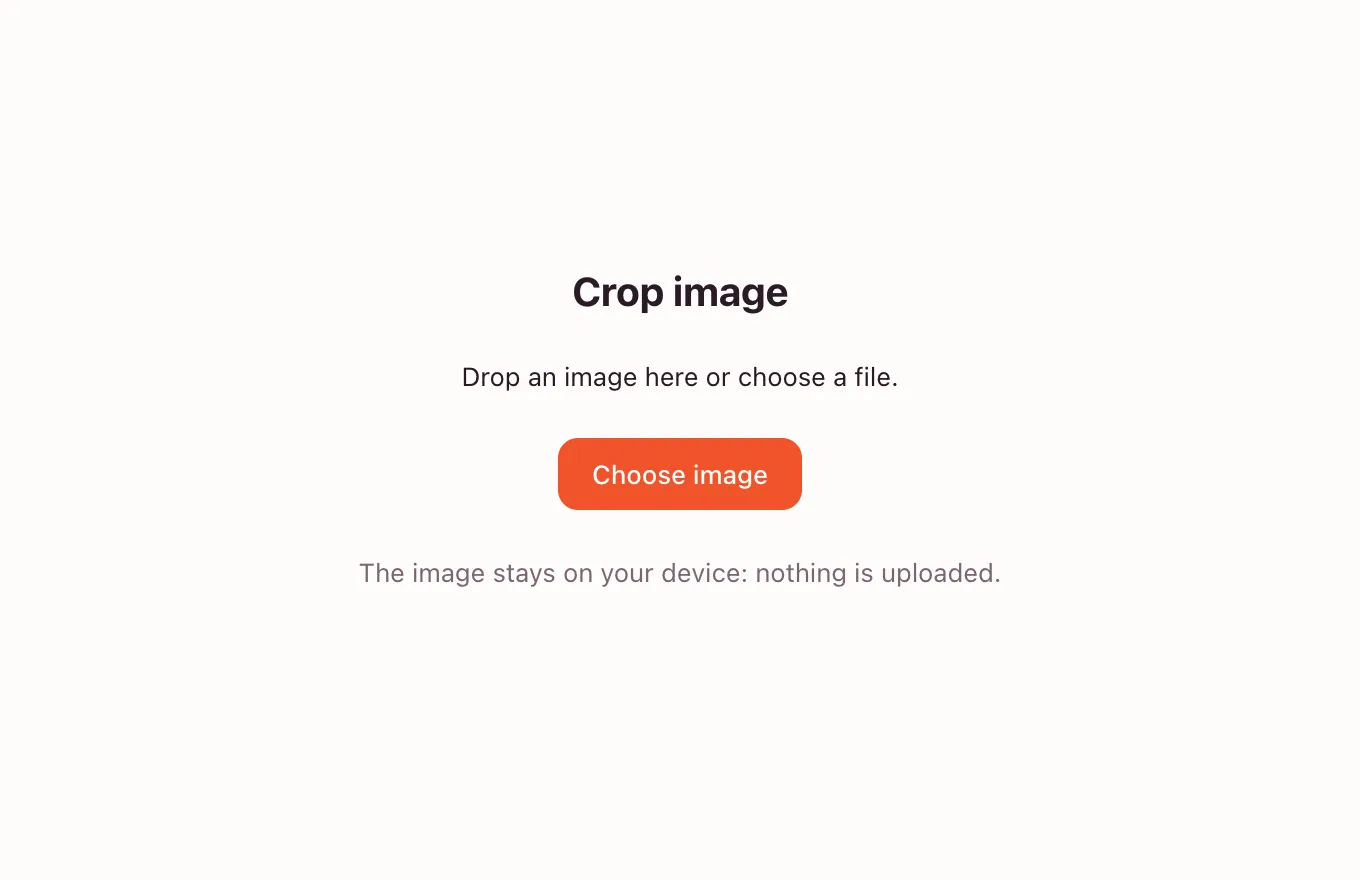
Choose a photo
Drop a file on the frame or press “Choose image”. JPG, PNG, WebP, GIF and BMP work; the photo opens in your browser with a preview.
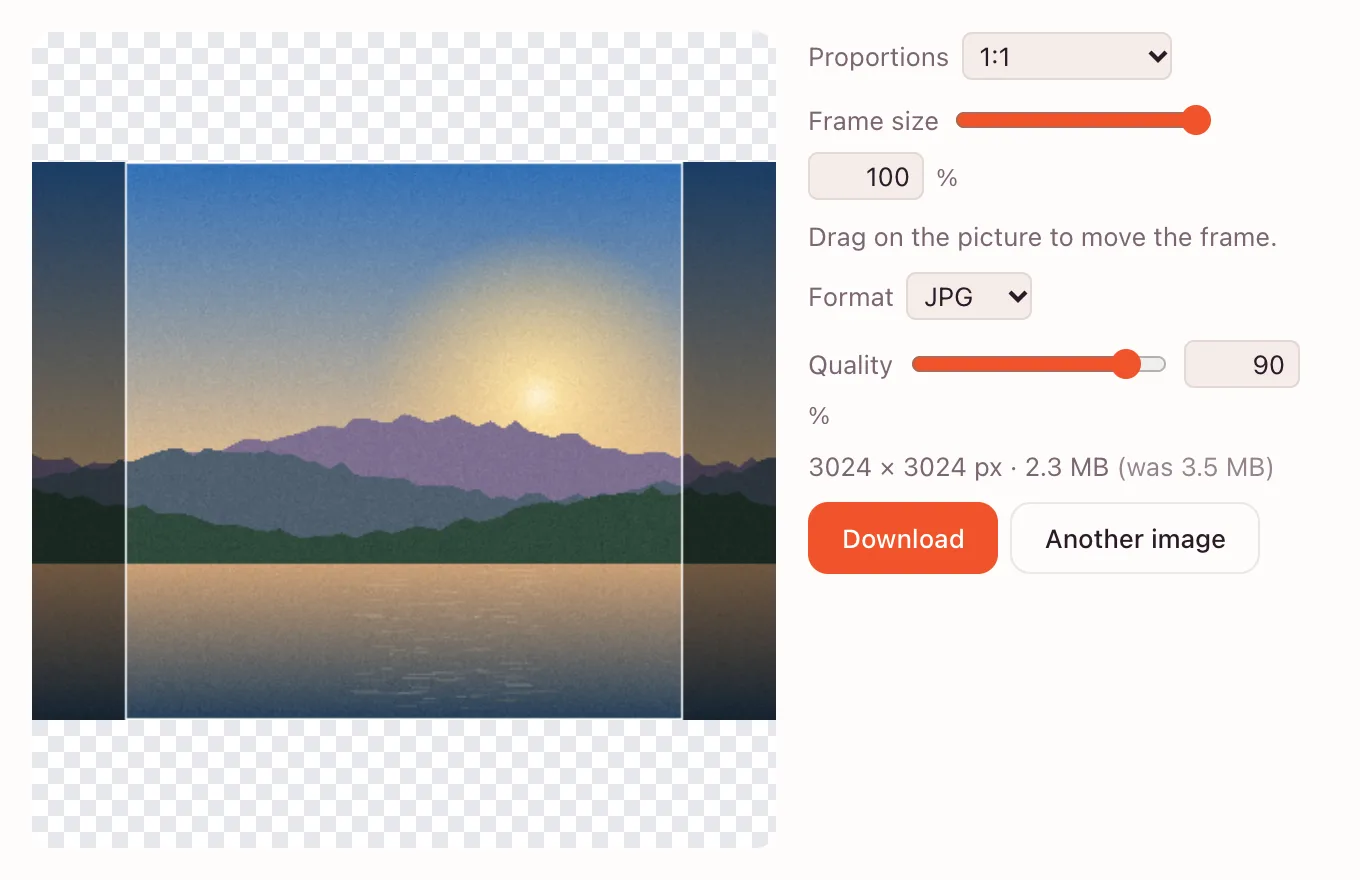
Set the ratio and frame
Pick 1:1, 4:3, 3:4, 3:2, 16:9, 9:16 or “As the image” in “Proportions”. The “Frame size” slider keeps more or less of the picture, and you can drag the frame itself.
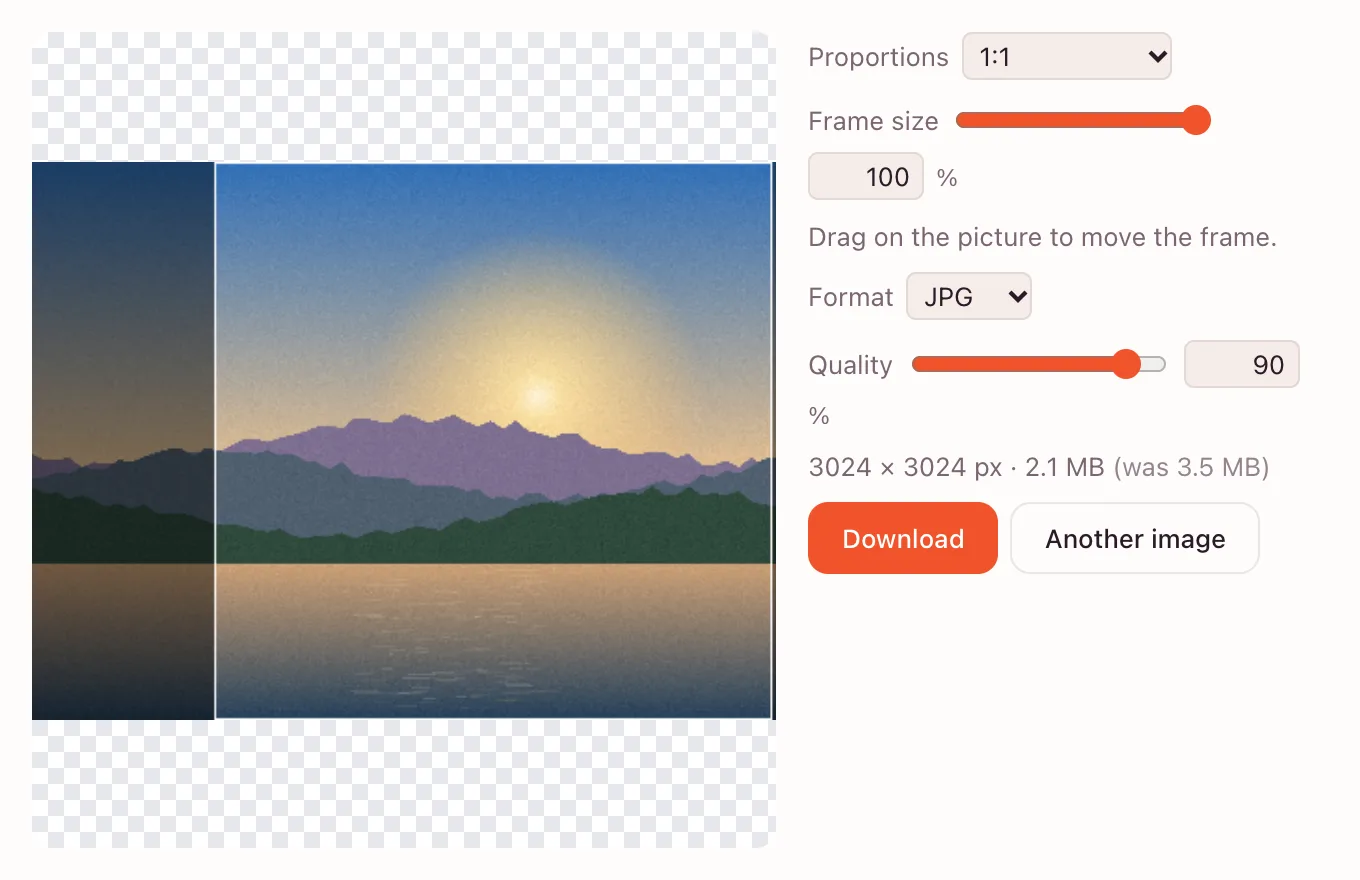
Download the result
The final pixel size and file weight appear under the controls. Choose JPG, PNG or WebP and press “Download” to save the crop to your device.
What the crop tool does
- Shows the whole photo and dims everything outside the frame.
- Keeps the pixels inside at their original size — nothing is stretched.
- Offers free proportions plus 1:1, 4:3, 3:4, 3:2, 16:9 and 9:16.
- Lets you drag the frame with a mouse or a finger.
Crop photo for listings, profiles and forms
Amazon and Etsy listings
Marketplace cards look tidy when every product photo shares the same ratio. Crop to 1:1 or 3:4 and keep the item centred.
LinkedIn headshots
A square crop removes the empty wall around the face. Leave a little room above the head so the avatar does not cut it off.
Slides and documents
A 16:9 crop removes empty strips above and below a screenshot, so it fits a slide without stretching.
Can I crop a picture to an exact size?
The quick tool sets a ratio, not exact pixels. For a strict width and height, crop to the right ratio first and then resize the image in pixels; that order keeps the subject from stretching. The editor's canvas size adds space instead of removing it.
Crop and straighten in the editor
For a tilted horizon, open the picture in the full editor and take the “Crop” tool (C). Drag outside the frame to turn it, or use “Straighten” along the horizon. Enter applies, Esc cancels.
The same menu holds “Perspective Crop”, “Crop” to selection, “Trim” for transparent edges and “Canvas Size…”.
- “Crop” (C) with proportions and a rule-of-thirds grid.
- “Straighten” for a level horizon.
Can I crop a photo into a circle?
In the editor: “Elliptical Marquee” (M) with Shift for a true circle, “Layer” → “Layer from Background” (the opened photo is a locked layer), then “Layer” → “Layer Mask” → “Reveal Selection”. Export as PNG to keep the corners transparent.
Formats and quality after a crop
| Format | Best for | Quality |
|---|---|---|
| PNG | Screenshots, diagrams, text | Lossless, larger file |
| JPG | Photos for email and the web | Set with the quality slider |
| WebP | Websites and apps | Smaller at the same quality |
Privacy
The quick tool processes the photo on your device and does not upload it. The file leaves your device only when you save it to the cloud in the full app, and that requires signing in. The edition stores its data under GDPR.
Questions and answers
Support: [email protected]
How do I crop a photo?
Drop the photo into the tool above, pick a ratio and drag the frame over the area you want. The final size and weight appear before you download. Choose JPG, PNG or WebP and press “Download”; the crop happens in your browser.
How do I crop an image to a specific size?
Crop to the right aspect ratio first, then resize the result to exact pixels on the resize page. Stretching a finished crop would distort the subject, so keep that order. For print or a strict portal rule, check the required dimensions before you start.
How do I crop a picture on a phone?
Open the page in Safari or Chrome, pick a photo from your gallery and drag the frame with your finger. The ratio list and frame slider work the same as on a computer. Press “Download” to save the crop to Photos or Files; nothing needs to be installed.
How do I crop a photo into a circle?
The quick tool does not make circular crops. In the full editor, use the “Elliptical Marquee” (M) with Shift for a true circle, then “Layer” → “Layer from Background” and “Layer” → “Layer Mask” → “Reveal Selection”. Export as PNG so the area outside the circle stays transparent.
Does cropping reduce image quality?
No, a crop removes pixels outside the frame but keeps the pixels inside at their original size. Quality can drop only when the file is re-encoded: PNG is lossless, while JPG and WebP use the quality slider. Avoid saving the same JPG several times in a row.
Is the tool free and watermark-free?
Yes, cropping is free, needs no account and adds no watermark. The result downloads straight to your device. Saving to the cloud is a separate option in the full app and asks you to sign in.
What formats can I crop?
JPG, PNG, WebP, GIF and BMP files open in the tool, and the result can be saved as JPG, PNG or WebP. GIF is treated as a still image, so an animation becomes one frame. For a transparent cutout, keep PNG or WebP.
Related tools
Resize image
Resize an image to exact pixels or a percentage and download it from your browser.
Rotate image
Rotate or mirror an image in your browser and download it in a few clicks.
Compress image
Compress an image to JPG, PNG or WebP and compare the new file size before you download.
WebP to JPG
Convert a WebP or PNG image to JPG in the browser and download the file to your device.
Flip image
Mirror a photo horizontally or flip it vertically.
Online photo editor
Edit photos in your browser: layers, masks, brushes, retouching, adjustments, filters and text.
Remove background
Cut the subject out of a photo with AI and download a transparent PNG.
Blur background
Blur a whole photo in one step, or blur only the background in the editor with a selection and a blur filter.
Black and white filter
Convert a colour photo to black and white in the browser, then download it or fine-tune the tones in the editor.
Crop photo online and crop an image to any ratio
Crop a photo to the ratio you need and download it without leaving your browser.
Open the editor